
Quick answer
How do I set up IPTV on a Formuler box?
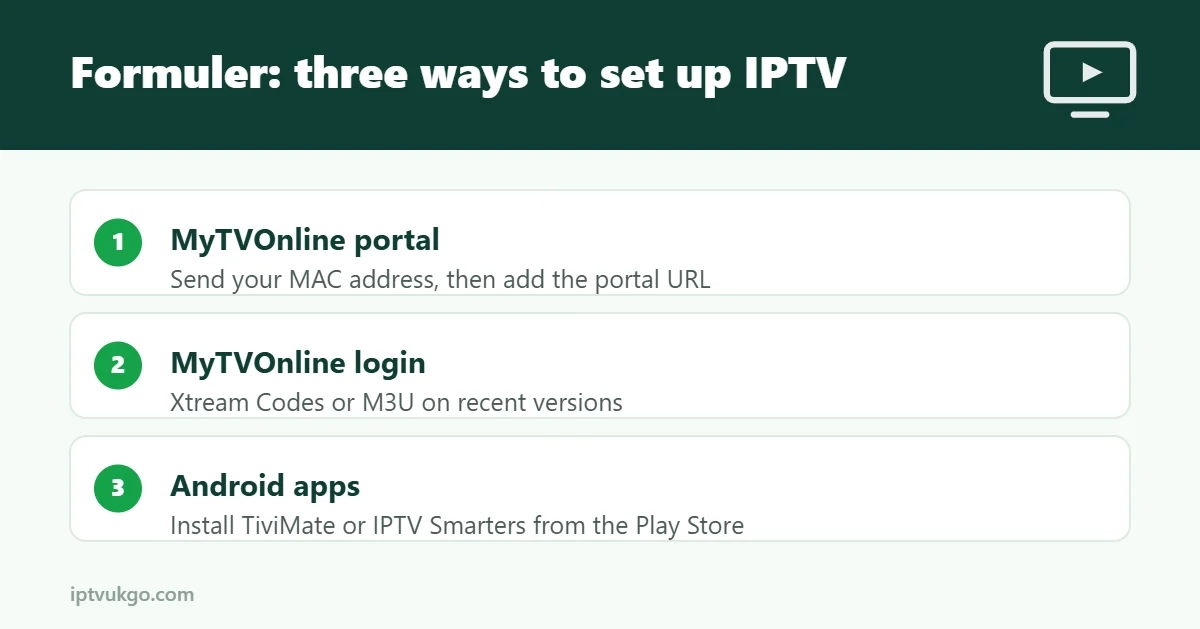
Formuler boxes come with the MyTVOnline app built in. Either send your box’s MAC address to your provider and add their portal URL in MyTVOnline, or – on recent firmware – sign in with Xtream Codes details or an M3U link. Formuler boxes also run Android TV apps from the Play Store, so you can install TiviMate or IPTV Smarters Pro instead if you prefer.
Formuler boxes, such as the Z11 Pro Max and Z11 Pro, are built specifically for IPTV. Their MyTVOnline app has a fast TV guide, catch-up support and a remote designed for live TV. This guide shows the two ways to set one up and the settings worth changing.
Which Formuler models work?
Current and recent models, including the Z11 Pro Max, Z11 Pro and Z10 Pro Max, all support IPTV through MyTVOnline and Android apps. Older models work too, but keep the firmware updated under Settings > About > System update.
Option 1: MyTVOnline with a portal (MAC address)
This is the classic Formuler setup:
- On the home screen, open MyTVOnline.
- Find your box’s MAC address. It is shown in MyTVOnline’s portal screen and under Settings > About.
- Send the MAC address to your provider. They link it to your subscription and send you a portal URL.
- In MyTVOnline, choose Add portal, enter a name and the portal URL, and save.
- Select the portal. Channels, the TV guide and on-demand content load automatically.
Option 2: Xtream Codes or M3U login
Recent versions of MyTVOnline also let you add a service using Xtream Codes (server URL, username and password) or an M3U link, so you do not need a MAC address. Look for the login type option when you add a new service. If your version does not show it, update MyTVOnline from the Formuler app store or use Option 3.
Not sure which login you have? Read M3U vs Xtream Codes.
Option 3: Use an Android app instead
Formuler boxes run Android TV, so you can install TiviMate or IPTV Smarters Pro from the Google Play Store and sign in as you would on any Android TV device. See our TiviMate setup guide.
Settings worth changing
- Connect with Ethernet for the most stable picture on live sport.
- Set the time zone to the UK under Settings > Date & time so the TV guide and catch-up times are correct.
- Update the guide in MyTVOnline if listings look empty – see EPG not loading.
- Use the Formuler remote’s EPG and catch-up buttons – they jump straight to the guide and replay.
Frequently asked questions
What is a MAC address and why does my provider need it?
It is a unique ID for your box. Portal-based services use it to link the box to your subscription instead of a username and password.
Can I use TiviMate on a Formuler box?
Yes. Install it from the Google Play Store and sign in with your details.
Is a Formuler better than a Fire TV Stick?
Formuler boxes are designed for IPTV and have a remote built for live TV, but they cost more. A Fire TV Stick is cheaper and still works very well.