
Quick answer
M3U or Xtream Codes – which should I use?
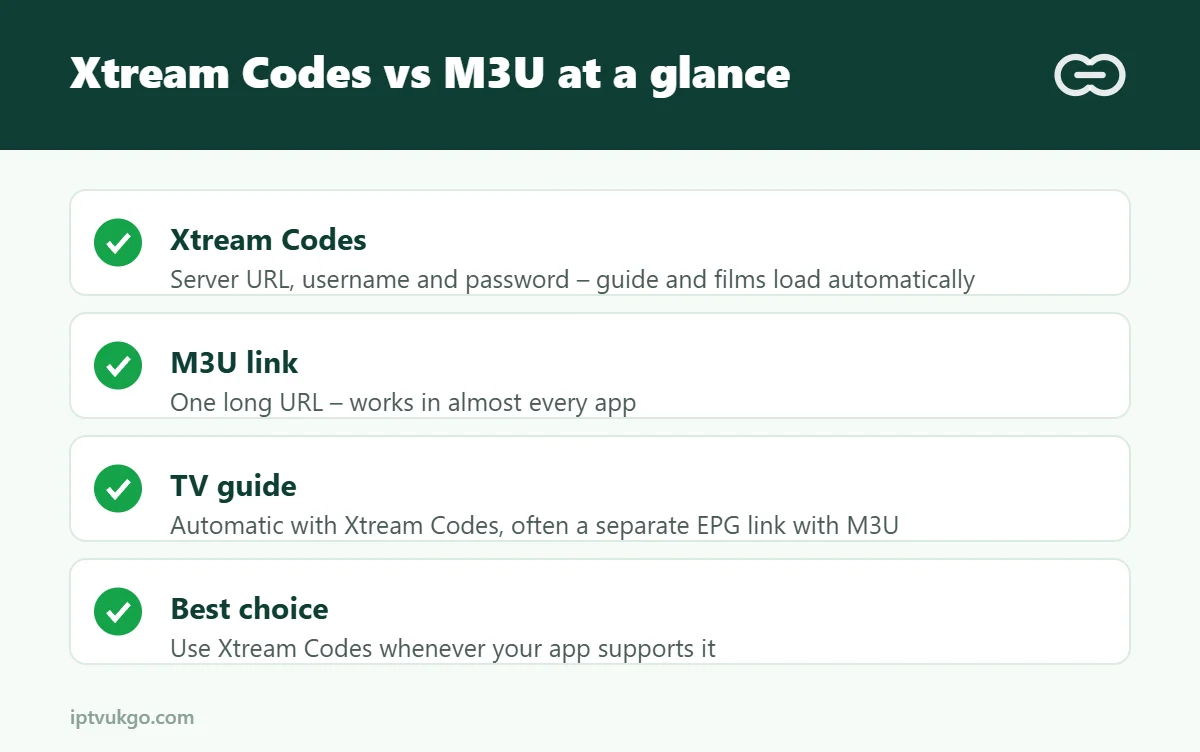
Use Xtream Codes whenever your app supports it. It signs you in with a server address, username and password, and loads live TV, films, series, catch-up and the TV guide automatically. Use an M3U link for apps that do not support Xtream Codes, or for simple setups such as Kodi or VLC.
When you sign up for an IPTV service, you are usually given one of two kinds of login: an M3U link or Xtream Codes details. Both connect your player app to the same service, but they work in different ways and affect how easy your app is to use. Here is the difference in plain English.
What is an M3U link?
An M3U link is a web address that points to a playlist – a list of channels and where to stream them from. It usually looks like a long URL containing your username and password. Your app downloads the list and shows the channels.
M3U is an old, simple and very widely supported format. Almost every player app can read it. The downside is that it is just a list: the TV guide often has to be added separately with an EPG link, and on-demand films and series may not be organised as neatly.
What is Xtream Codes?
Xtream Codes (often shown in apps as “Xtream Codes API” or “XC”) is a login method rather than a file. You enter three things:
- Server URL – for example *http://example-server.com:8080*
- Username
- Password
The app then talks to the server directly and fetches everything it needs: live channels in their categories, the TV guide, films, series with seasons and episodes, and catch-up where available.
Side-by-side comparison
| Xtream Codes | M3U link | |
|---|---|---|
| What you enter | Server URL, username, password | One long URL |
| TV guide | Usually loads automatically | Often needs a separate EPG link |
| Films and series | Organised by category, with posters | Often a long flat list |
| Catch-up | Supported in many apps | Limited |
| App support | Most modern IPTV apps | Almost every app |
| Updating channel lists | Automatic | Re-download the playlist |
| Ease of typing on a TV remote | Easier – three short fields | Harder – one long link |
Which apps support each?
- Both: TiviMate, IPTV Smarters Pro, XCIPTV, OTT Navigator and many others.
- Mainly M3U: Kodi (via the PVR IPTV Simple Client add-on), VLC and some Smart TV apps.
See our comparison of the best IPTV player apps for Firestick for more detail.
Tips for entering your login correctly
- Copy and paste where you can. On a phone or computer, paste the details rather than typing them.
- Watch for spaces. A space at the start or end of a username or password stops the login working.
- Include http:// and the port. If your server URL includes a number after a colon, such as :8080, it must be included.
- Capital letters matter. Usernames and passwords are case-sensitive.
- Keep your details private. Anyone with your login can use your connections.
Common errors
“Invalid username or password”
Check capital letters and spaces, then try again. If you copied from an email, make sure no extra characters came across.
The playlist loads but there is no TV guide
With M3U, add the EPG link in your app’s settings. With Xtream Codes, refresh the guide or sign out and back in. More help: EPG not loading.
Channels show but will not play
Check the server URL and port. Some apps also let you change the stream format, which can fix playback.
Frequently asked questions
Is Xtream Codes the same as M3U?
No. They connect to the same service but in different ways. Xtream Codes is a login method that fetches everything automatically; M3U is a playlist file.
Can I convert an M3U link into Xtream Codes details?
Often, yes. The username and password are usually inside the M3U link, and the server address is the first part of it. If you are unsure, ask your provider for both.
Which is more secure?
Neither is encrypted by default. Keep both private and do not share them.