
Quick answer
Why does IPTV buffer at night?
Between about 7pm and 10pm, millions of UK homes stream at once. Your broadband, your Wi-Fi and the networks in between all get busier, so a connection that is fine at lunchtime can struggle in the evening. A wired connection, 5 GHz Wi-Fi, fewer devices downloading at the same time and a different player setting usually fix it.
It is one of the most common complaints about streaming: everything works perfectly in the afternoon, then the spinning wheel appears just as the evening film or the big match starts. The good news is that peak-time buffering usually has a clear cause, and most fixes take minutes. This guide focuses on evening problems specifically. For general buffering tips, see how to reduce buffering.
What changes in the evening?
Three things get busier at the same time:
- Your home – everyone is back, and phones, laptops, consoles and TVs are all online.
- Your street and exchange – broadband connections in your area share capacity. When neighbours stream too, some lines slow down.
- The wider internet – video traffic across UK networks peaks in the evening, especially during big live events.
Live TV feels the effect more than on-demand services, because there is very little time to “pre-load” the stream before you watch it.
Step 1: Find out where the problem is
Run a speed test on the TV device itself at the time buffering happens, then again earlier in the day.
- Evening speed is much lower than daytime? Your broadband or local network is congested – see steps 3 and 6.
- Speed is fine but it still buffers? The problem is more likely Wi-Fi in the room, the device or the app – see steps 2, 4 and 5.
- Other services such as iPlayer also buffer? It is almost certainly your connection, not the IPTV service.
Our internet speed guide explains what speeds you need for HD and 4K.
Step 2: Fix your Wi-Fi
Wi-Fi is the most common cause of evening buffering, because neighbours’ networks are busiest too.
- Use an Ethernet cable or an Ethernet adapter for your Fire TV Stick. This is the single most effective fix. See Ethernet vs Wi-Fi.
- Switch to 5 GHz Wi-Fi if your router offers a separate network.
- Move the router out of cupboards and away from the TV’s back panel.
- Try a mesh system or powerline adapters if the router is in another room.
Step 3: Reduce what else is using the connection
- Pause game downloads and console updates (they often run in the evening).
- Stop cloud backups on phones and laptops while you watch.
- Ask others in the house to avoid big downloads during live sport.
Step 4: Restart and refresh
- Restart your router once a week, and before a big event.
- Restart the streaming device, and clear the player app’s cache.
- Close other apps running in the background on your Firestick or Smart TV.
Step 5: Adjust the player settings
- Choose HD instead of 4K during busy evenings if your speed is borderline.
- Change the stream format or player – many apps let you switch between players or formats such as HLS and MPEGTS.
- Increase the buffer size if your app offers this setting.
Step 6: When it is your broadband provider
If speed tests drop sharply every evening, even with a cable, your provider’s network may be congested. Contact them with your test results and times. Some broadband packages manage video traffic at peak times; others simply have less capacity in your area. A VPN can sometimes help if your provider slows video traffic, but it can also make things slower, so treat it as a test rather than a fix.
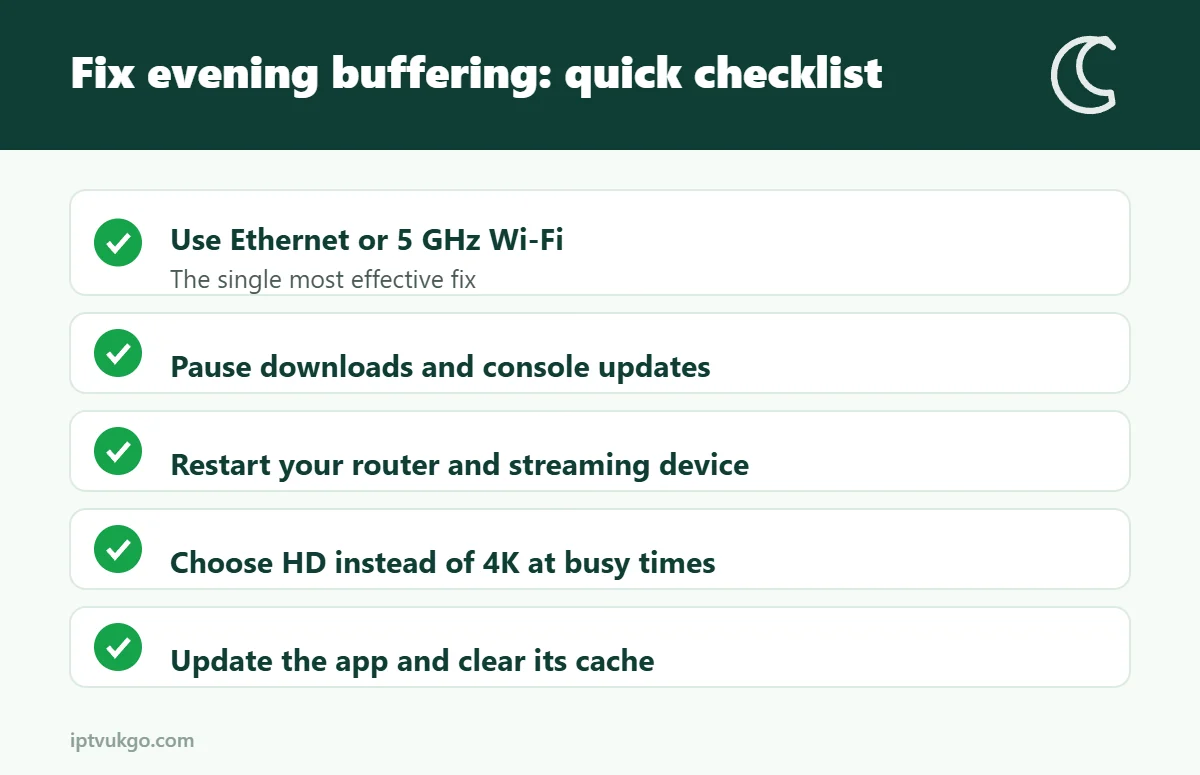
Quick checklist
- Wired connection or strong 5 GHz Wi-Fi
- Router and device restarted recently
- No big downloads running
- HD rather than 4K if speed is borderline
- Player app updated and cache cleared
Frequently asked questions
Why does IPTV buffer at night but not during the day?
Your home network, your local broadband and wider internet traffic are all busiest in the evening, so there is less spare capacity for live streams.
Will a faster broadband package fix it?
Only if your package is genuinely too slow for the number of screens you use. Often a wired connection fixes evening buffering without upgrading.
Does buffering mean the IPTV service is bad?
Not necessarily. If other streaming apps also buffer at the same time, the cause is usually your connection. If only one service buffers, contact its support team.