
Quick answer
What is the best IPTV player app for Firestick?
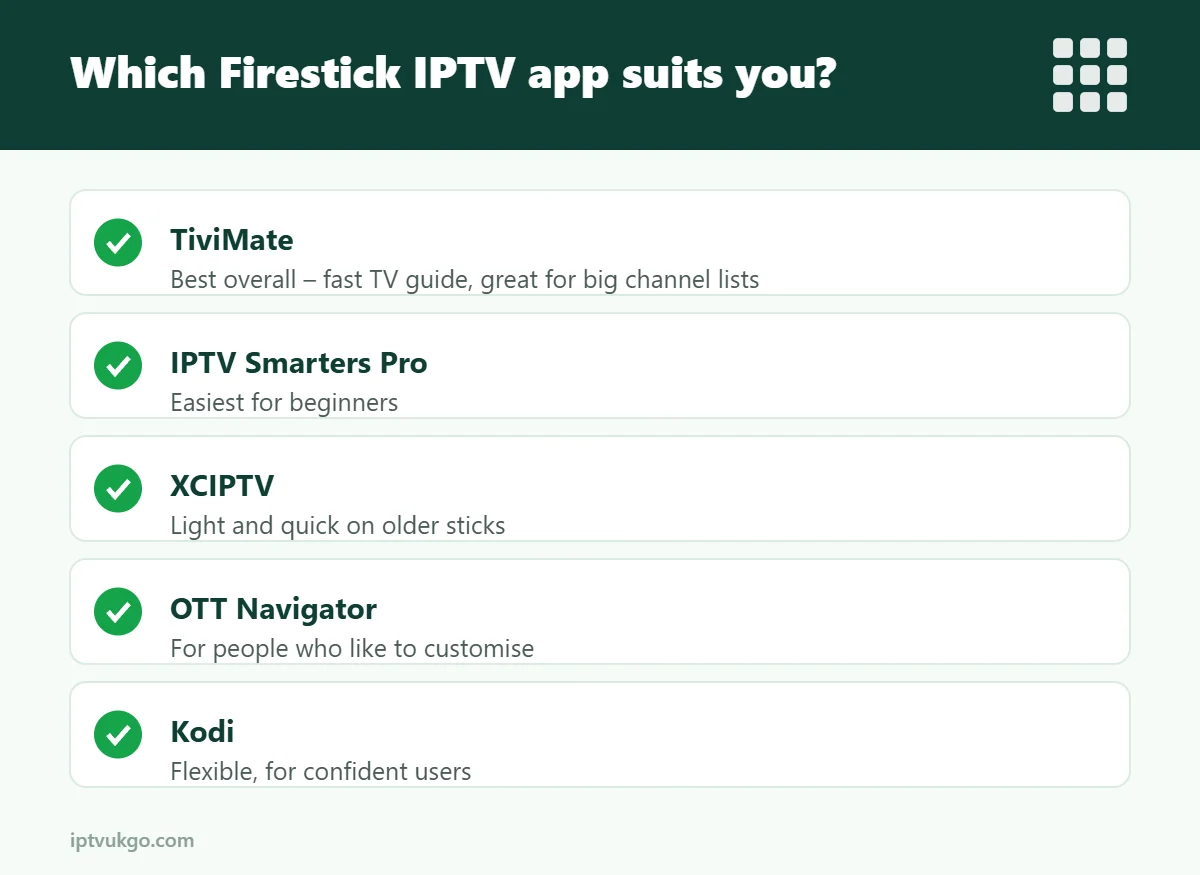
For most people, TiviMate is the best all-round choice on a Fire TV Stick thanks to its fast TV guide and clean layout. IPTV Smarters Pro is the easiest for beginners, XCIPTV is a good lightweight option, OTT Navigator suits people who like to customise, and Kodi is best for tinkerers. All of them are free to start, and none of them include channels – they play the service you sign in with.
The player app you choose makes a big difference to how IPTV feels every day: how quickly channels open, how easy the TV guide is to read, and whether the Firestick remote feels natural to use. We have compared the most popular player apps on Fire TV Sticks, so you can pick the right one first time.
First, what does a player app do?
A player app is like a DVD player: it plays what you put into it. It does not come with any channels. You enter the login details from your subscription – usually an Xtream Codes login or an M3U link – and the app loads the channel list and TV guide. If you are not sure which login to use, read M3U vs Xtream Codes.
The best IPTV player apps for Fire TV Stick
| App | Best for | Free version | TV guide | Catch-up |
|---|---|---|---|---|
| TiviMate | Best overall, big channel lists | Yes (Premium for extras) | Excellent | Premium |
| IPTV Smarters Pro | Beginners | Yes | Good | Yes, where supported |
| XCIPTV | Older or slower sticks | Yes | Good | Yes, where supported |
| OTT Navigator | Customising layouts | Yes | Very good | Yes, where supported |
| Kodi | Tinkerers and power users | Yes | Good with add-on setup | Depends on setup |
TiviMate – best overall
TiviMate looks and feels like a cable or satellite box. Its TV guide is fast and easy to scroll, you can build favourites lists, and it handles very large channel lists without slowing down. The free version covers the basics; TiviMate Premium unlocks extras such as catch-up, recording, multiple playlists and multi-view. It is designed for Android TV devices, so it works on Fire TV but not on Samsung, LG or Apple devices. See our TiviMate setup guide.
IPTV Smarters Pro – easiest for beginners
IPTV Smarters Pro splits everything into simple sections – Live TV, Movies, Series and Catch-up – so it is easy to find your way around. It supports Xtream Codes and M3U logins, multiple profiles and parental controls. It is a little slower than TiviMate with very large channel lists, but it is a very friendly place to start. See our IPTV Smarters Pro setup guide.
XCIPTV – light and quick
XCIPTV is a simple, lightweight player that runs well on older or basic Fire TV Sticks with limited memory. The layout is less polished than TiviMate, but it opens quickly and supports both login types.
OTT Navigator – for people who like to customise
OTT Navigator offers a lot of control over layouts, guide views and playback settings. It has a slightly steeper learning curve, but it is a strong free option once it is set up the way you like.
Kodi – for tinkerers
Kodi is a powerful media centre rather than a dedicated IPTV player. Using the PVR IPTV Simple Client add-on, it can play an M3U playlist with a TV guide. It is flexible but takes longer to set up, so it is better suited to confident users. Only install add-ons from the official Kodi repository.
How to choose
- Just want it to work? Start with IPTV Smarters Pro.
- Want the best TV guide? Choose TiviMate.
- Using an older Fire TV Stick Lite? Try XCIPTV.
- Like to tweak everything? OTT Navigator or Kodi.
How to install a player app on a Fire TV Stick
Some player apps are in the Amazon Appstore, but most are installed with the free Downloader app:
- On the Fire TV home screen, search for Downloader and install it.
- Go to Settings > My Fire TV > Developer options and allow Downloader to install unknown apps. If you cannot see Developer options, go to Settings > My Fire TV > About and click on the device name seven times.
- Open Downloader and enter the code or link for the player app, as provided by your service.
- Install the app, then delete the downloaded file to save space.
- Open the app and sign in with your login details.
Our Firestick setup guide walks through every step with more detail.
Tips for a smoother Firestick experience
- Keep at least 1 GB of storage free – check under Settings > My Fire TV > About > Storage.
- Only install one or two player apps; too many slow the stick down.
- Use an Ethernet adapter or 5 GHz Wi-Fi for live sport.
- Restart the stick once a week. More tips: Firestick performance tips.
Frequently asked questions
Are IPTV player apps legal?
Yes. Player apps are legal software. They do not include channels; they play the service you subscribe to. Read is IPTV legal in the UK?
Which app is fastest on a Fire TV Stick Lite?
XCIPTV and TiviMate tend to feel quickest on basic sticks, especially with large channel lists.
Can I use more than one app with the same login?
Usually yes, but each app streaming at the same time counts as a connection on your plan.
Do I have to pay for TiviMate?
No, the free version works. TiviMate Premium is an optional paid upgrade for features such as catch-up and recording.