
Quick answer
Why is my IPTV TV guide not loading?
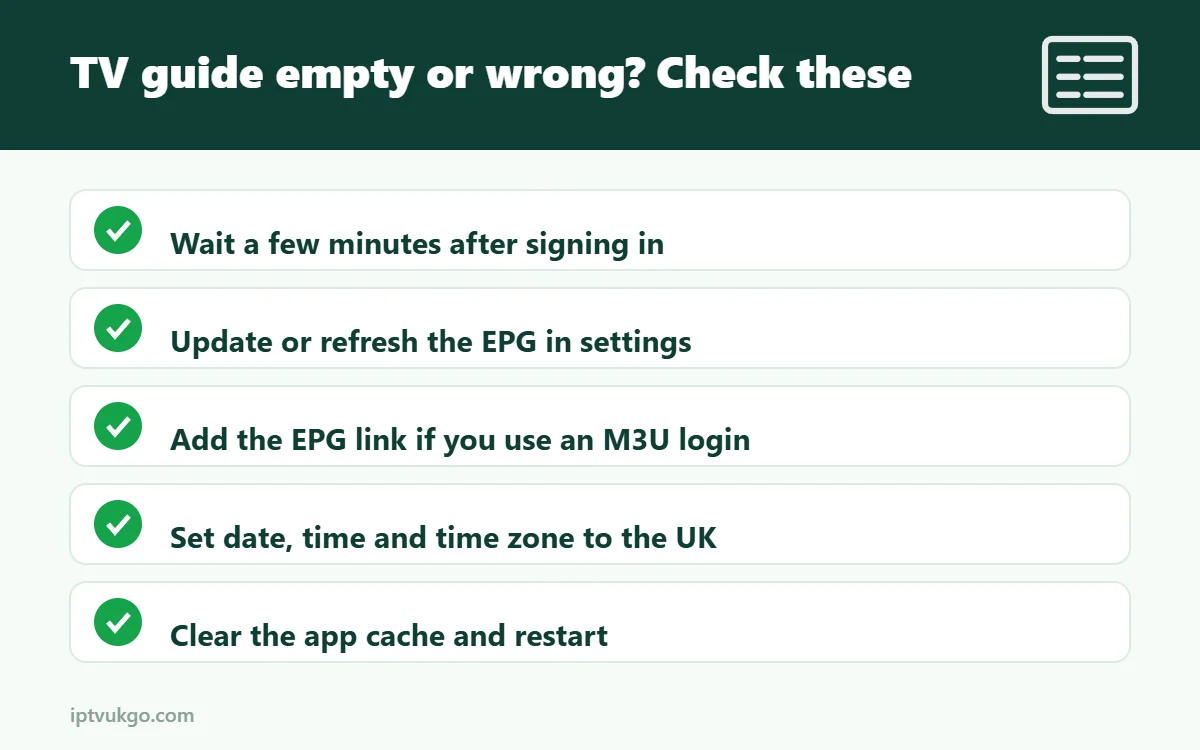
Usually the guide has not downloaded yet, the EPG link is missing (common with M3U logins), the cache is full, or the app’s time zone is wrong. Refresh or update the EPG in your app’s settings, check your device’s date, time and time zone are set to the UK, clear the app cache and restart. If only some channels are blank, those channels may not have guide data.
An IPTV service without a working TV guide is frustrating: you can see hundreds of channel names but have no idea what is on. The electronic programme guide (EPG) is downloaded separately from the channels, so it can fail even when the streams work perfectly. This guide covers the common causes and how to fix them in the most popular apps.
If you are not sure what an EPG is, start with what is an EPG?
Problem 1: The guide is completely empty
Give it time
After you first sign in, the guide can take a few minutes to download, especially on larger channel lists. Leave the app open on the guide screen for five minutes.
Update or refresh the EPG
- TiviMate: go to Settings > EPG, select your source and choose Update EPG.
- IPTV Smarters Pro: open the menu or settings and choose the option to refresh or reload the TV guide, or sign out and sign back in.
- Other apps: look for Update EPG, Refresh guide or Reload playlist in the settings.
Add the EPG link (M3U users)
If you signed in with an M3U link, the guide usually needs a separate EPG link (often ending in .xml or .xml.gz). Add it in your app’s EPG settings. With Xtream Codes, the guide normally loads automatically – see M3U vs Xtream Codes.
Problem 2: The guide shows the wrong times
If programmes appear an hour early or late, it is almost always a time zone or clock issue.
- Check your device’s date, time and time zone are set automatically to the UK.
- In the player app, look for an EPG time shift or time offset setting and set it to 0, or adjust it by one hour if needed.
- After the clocks change in March and October, refresh the guide so it picks up the new times.
Problem 3: Only some channels have no guide
Not every channel has guide data, especially some international, regional or event channels. If most UK channels show listings and a few do not, that is normal. If a channel you watch often has no guide, tell support – sometimes the guide can be matched to the right channel.
Problem 4: The guide stops updating after a few days
- Set the app to update the EPG automatically once a day.
- Make sure the device is not running out of storage, which can stop downloads.
- Clear the app’s cache and update the guide manually.
General fixes that help in every app
- Clear the app cache – on Fire TV: Settings > Applications > Manage installed applications > [your app] > Clear cache.
- Restart the device – unplug it for 30 seconds.
- Check your connection – the guide download can fail on weak Wi-Fi.
- Update the app to the latest version.
- Sign out and back in to force a fresh download of channels and the guide.
When to contact support
If the guide is blank in every app and on every device, or the wrong programmes appear on the wrong channels, the problem may be on the provider’s side. Contact support with the app name, device and a channel example, and they can check it for you. You can reach us on WhatsApp or email.
Frequently asked questions
What does EPG mean?
Electronic programme guide – the on-screen TV listings showing what is on now and next.
Why is the guide an hour out?
Usually your device’s time zone or the app’s EPG time shift setting. Set both for the UK and refresh the guide.
Do I need a separate EPG link?
With Xtream Codes, usually not. With an M3U link, often yes. Ask your provider.