
Quick answer
How do I watch IPTV on Xbox?
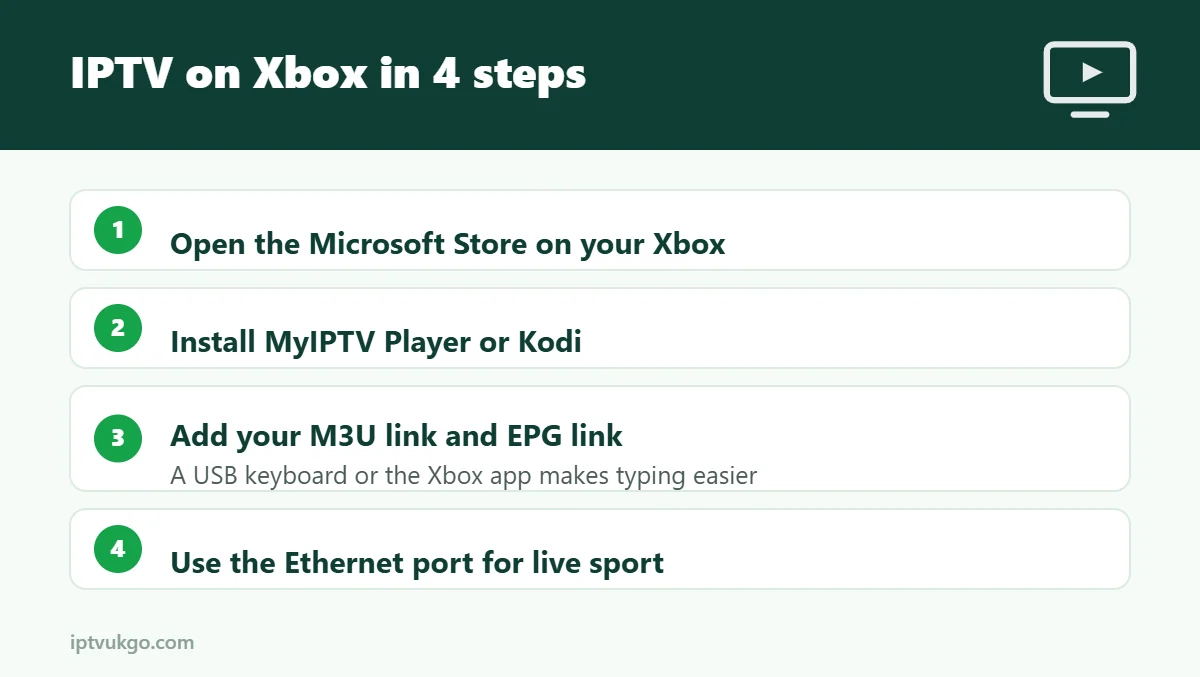
On an Xbox Series X|S or Xbox One, open the Microsoft Store and install an IPTV player such as MyIPTV Player, or install Kodi and add the PVR IPTV Simple Client. Then add your M3U link and EPG link from your provider. A USB keyboard or the Xbox phone app makes typing the link much easier.
If your Xbox is already plugged into the main TV, it can double as an IPTV box. The options are more limited than on Fire TV or Android TV, and setup takes a little longer, but once it is working the picture quality is excellent. Here is how to do it.
Which consoles work?
- Xbox Series X and Xbox Series S – recommended. Fast and quiet for TV use.
- Xbox One, One S and One X – work well, though menus may be a little slower.
- PlayStation 4 and 5 – there are no proper IPTV player apps in the PlayStation Store, so PlayStation is not a good choice for IPTV.
Option 1: MyIPTV Player
MyIPTV Player is a free app in the Microsoft Store that works on Xbox. It uses an M3U link and can display a TV guide with a separate EPG link.
- Open the Microsoft Store on your Xbox and search for MyIPTV Player.
- Install and open the app, then go to Settings.
- Under Add new playlist and EPG source, give the playlist a name and paste your M3U link in the remote channel list box. Select Add remote list.
- Add your EPG link in the EPG section if your provider gave you one.
- Select your playlist under Select channel playlist, then go to Channels to start watching.
If you only have Xtream Codes details, ask your provider for an M3U link. Our guide to M3U vs Xtream Codes explains the difference.
Option 2: Kodi with PVR IPTV Simple Client
Kodi is available in the Microsoft Store on Xbox and can play IPTV through an official add-on.
- Install Kodi from the Microsoft Store and open it.
- Go to Add-ons > Install from repository > PVR clients and install PVR IPTV Simple Client.
- Open the add-on’s settings and paste your M3U link (and EPG link if you have one).
- Restart Kodi. Your channels appear under TV in the main menu.
Kodi takes longer to set up but is very flexible. Only install add-ons from the official Kodi repository.
Tips for typing long links on Xbox
- Plug in a USB keyboard – any standard keyboard works on Xbox.
- Use the Xbox app on your phone – it can act as a keyboard for the console.
- Shorten the link – ask your provider if they can send a shorter version.
Getting the best picture
- Use the Xbox’s Ethernet port for a steady connection, especially for live sport.
- Under Settings > General > TV & display options, make sure the resolution matches your TV.
- Close games before watching to free up memory.
Frequently asked questions
Can I use TiviMate or IPTV Smarters on Xbox?
TiviMate is not available on Xbox. App availability changes, so check the Microsoft Store, but MyIPTV Player and Kodi are the most reliable choices.
Can I watch IPTV on PlayStation?
Not in a practical way. A Fire TV Stick plugged into the same TV is a cheap and easy alternative.
Does IPTV on Xbox support catch-up?
Usually not. If catch-up matters to you, a Fire TV or Google TV device with TiviMate is a better option.