
Quick answer
How does catch-up work on IPTV?
Catch-up lets you go back and watch programmes that have already been shown on a channel, usually from the past few days. Channels that support it show a small catch-up icon in the TV guide. You scroll back in the guide, pick a programme and it plays from the start, with pause, rewind and fast-forward. It depends on both the channel and your player app.
You get home late and the programme you wanted started an hour ago. With catch-up, that is not a problem – you can go back and watch it from the beginning. This guide explains how catch-up works on IPTV, which apps support it, how it differs from on-demand and recordings, and what to do if it is not working.
Catch-up, on-demand and recordings: what is the difference?
| Feature | What it means | Example |
|---|---|---|
| Catch-up (replay) | Programmes already shown on a live channel, kept for a limited time | Last night’s drama on the channel it aired on |
| On-demand | A library of films and series you can watch any time | A box set in the Series section |
| Recording (PVR) | You save a programme yourself as it airs | Recording a match to watch tomorrow |
Catch-up is the closest to “rewinding live TV”: you use the familiar TV guide, just looking backwards instead of forwards.
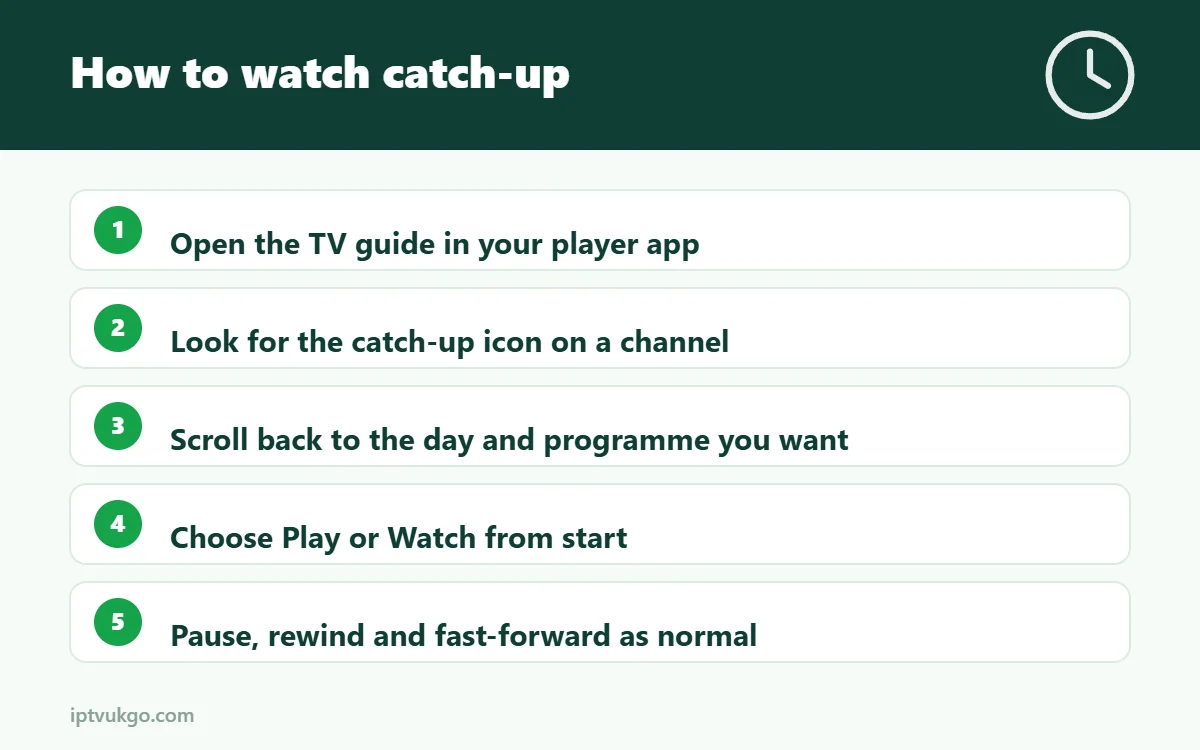
How to use catch-up
- Open the TV guide in your player app.
- Look for channels marked with a catch-up icon – often a small clock or curved arrow.
- Scroll left, back in time, to the day and programme you want.
- Select it and choose Play or Watch from start.
- Use pause, rewind and fast-forward as normal.
In IPTV Smarters Pro, you can also open the Catch Up section from the main menu and browse by channel. In TiviMate, catch-up is part of the guide but requires TiviMate Premium. See our TiviMate and IPTV Smarters Pro setup guides.
How far back can you go?
It depends on the channel. Many channels keep programmes for a few days, some for longer and some not at all. The catch-up icon in the guide shows which channels support it.
Why is catch-up not available on some channels?
- The channel does not offer catch-up, which is common for some international and event channels.
- Your player app does not support it, or needs a paid upgrade (such as TiviMate Premium).
- You signed in with an M3U link that does not include catch-up information. Signing in with Xtream Codes often fixes this – see M3U vs Xtream Codes.
Catch-up is not playing – quick fixes
- Refresh the TV guide so the catch-up information is up to date. See EPG not loading.
- Check your device’s time zone is set to the UK – if the guide is an hour out, catch-up may try to play the wrong slot.
- Try a different player in the app’s settings.
- Restart the app and try another programme on the same channel.
Do you need a TV Licence for catch-up?
For non-BBC channels, catch-up of programmes after they have been broadcast does not need a TV Licence on its own. Watching anything live, or using BBC iPlayer, does. See do you need a TV Licence for IPTV?
Frequently asked questions
Is catch-up the same as recording?
No. Catch-up is provided by the channel for a limited time; a recording is something you save yourself.
Can I use catch-up on my phone?
Yes, if your phone’s player app supports it. IPTV Smarters Pro has catch-up on Android and iPhone.
Why does catch-up start at the wrong point?
Usually the device or app time zone is wrong. Set it to the UK and refresh the guide.