
Quick answer
How many screens can I watch IPTV on at once?
That depends on your plan. “Connections” (or “screens”) is the number of devices that can stream at the same time. You can usually install the app on as many devices as you like, but if more people watch at once than your plan allows, one stream will stop. Pick a plan with enough connections for the busiest time in your home, and make sure your broadband can handle them all.
Most homes have more than one TV, plus phones, tablets and laptops. It is natural to want IPTV on all of them. This guide explains how connections work, how many you really need, what broadband speed multiple screens require and how to set up IPTV around the house.
Installed devices vs connections
These two things are often confused:
- Installed devices – how many devices have the app and your login. Usually unlimited.
- Connections – how many of those devices can stream at the same time. This is what your plan limits.
So you could install the app on five TVs and three phones, but with a two-connection plan, only two can play at once. If a third device starts, you may see a “maximum connections reached” message, or one of the others may stop.
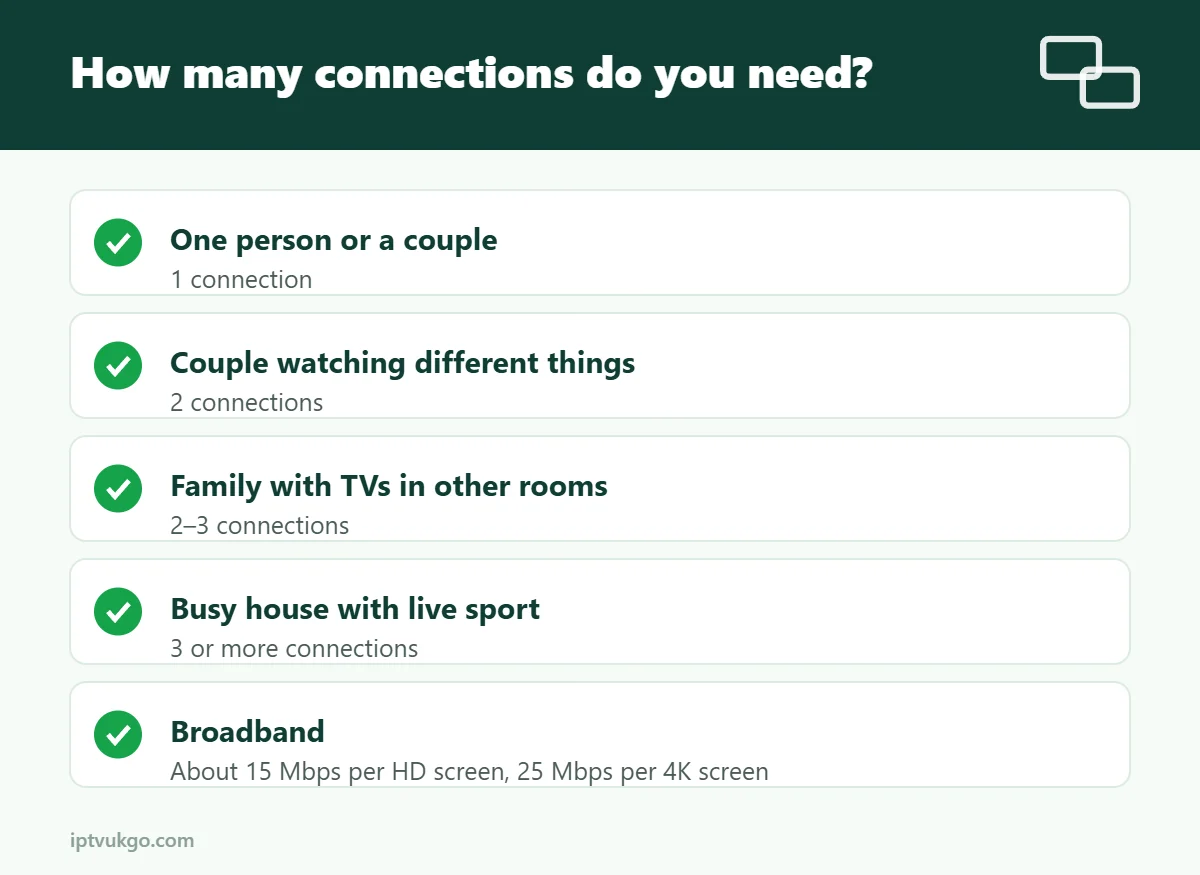
How many connections do you need?
Think about your busiest viewing time, not the number of devices:
| Household | Typical need |
|---|---|
| One person or a couple watching together | 1 connection |
| A couple who sometimes watch different things | 2 connections |
| A family with children watching in other rooms | 2–3 connections |
| A busy house with live sport and separate TVs | 3 or more connections |
Remember that a phone streaming in the kitchen counts as a connection too.
Broadband for multiple screens
Each screen uses its own share of your connection:
| Screens at once | HD (about 15 Mbps each) | 4K (about 25 Mbps each) |
|---|---|---|
| 1 | 15 Mbps | 25 Mbps |
| 2 | 30 Mbps | 50 Mbps |
| 3 | 45 Mbps | 75 Mbps |
Leave headroom for everything else in the house – video calls, gaming and downloads. See our internet speed guide for how to test properly.
Setting up IPTV on several TVs
- Main TV – use the most reliable connection, ideally Ethernet. A Fire TV Stick or Google TV device works well.
- Bedroom and other TVs – a Smart TV app or a Fire TV Stick Lite is usually enough for HD.
- Phones and tablets – install a player app and sign in with the same details.
- Use the same app everywhere if you can, so favourites and settings feel familiar.
Our setup guides cover every device.
Tips to avoid connection problems
- Close the app properly when you stop watching – a stream left playing on a TV you turned off with the remote may still count as a connection.
- Avoid sharing your login outside your household. It uses up your connections and can lead to your account being suspended.
- Turn off auto-play on devices you are not watching.
- Give each room a different profile in apps that support it, such as IPTV Smarters Pro.
Frequently asked questions
Can I install IPTV on more than one TV?
Yes. Installing on several devices is fine. The limit is how many can stream at the same time.
What happens if I go over my connection limit?
The newest stream may not start, or another device may stop playing. Upgrading to a plan with more connections solves this.
Does watching on my phone count as a connection?
Yes. Any device streaming at the same time counts.
Do recordings or catch-up use a connection?
Yes, while they are playing.