
Quick answer
What is the best type of UK broadband for streaming?
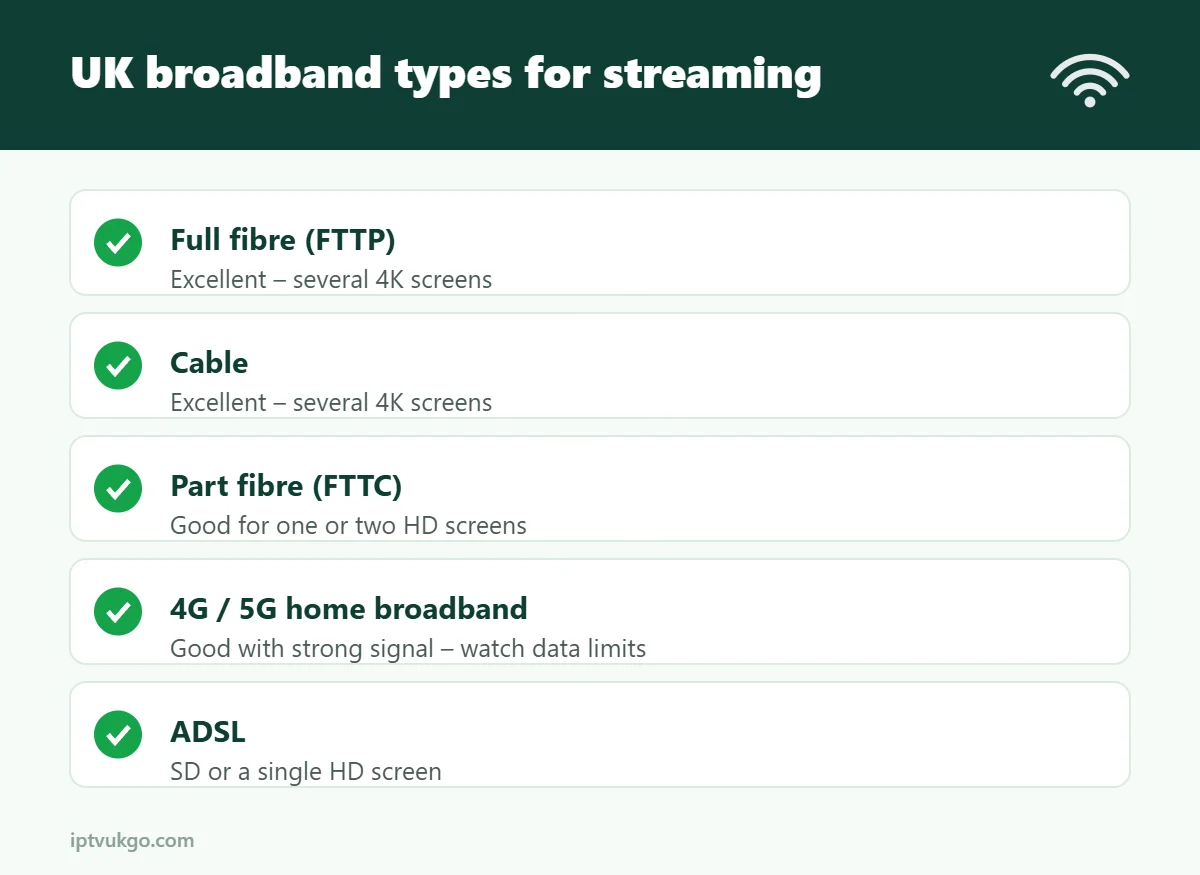
Full fibre (FTTP) and cable are the best choices for streaming in the UK: fast, stable in the evening and able to handle several HD or 4K screens at once. Part-fibre (FTTC) is fine for one or two HD screens. 4G or 5G home broadband can work well where coverage is strong, but check the data allowance. Older ADSL lines are usually only suitable for SD or a single HD stream.
Choosing broadband for streaming is not just about the biggest number in the advert. Stability in the evening, the router you get and where your TV is all make a difference. This guide, updated for autumn 2026, explains the options available in the UK and what to look for if streaming TV is important in your home.
UK broadband types compared
| Type | Typical speeds | Good for streaming? |
|---|---|---|
| ADSL (copper) | Up to about 10–17 Mbps | SD or one HD screen |
| Part fibre (FTTC) | About 30–80 Mbps | One or two HD screens, sometimes 4K |
| Full fibre (FTTP) | 100 Mbps to 1 Gbps and more | Excellent – several 4K screens |
| Cable | 100 Mbps to 1 Gbps and more | Excellent – several 4K screens |
| 4G / 5G home broadband | Varies with signal | Good where coverage is strong; check data limits |
| Satellite broadband | Varies | Can work, but delay may affect live TV |
Speeds depend on your address. Ofcom’s broadband checker shows what is available where you live.
How much speed do you actually need?
Plan for about 15 Mbps per HD screen and 25 Mbps per 4K screen, plus room for everything else the household does. A home with two people streaming HD, someone on a video call and a games console downloading will be comfortable on a 100 Mbps package, and may struggle on 30 Mbps. See our internet speed guide.
What matters more than headline speed
- Evening performance. Ask about average speeds at peak times (often 8pm–10pm), not just the maximum. See IPTV buffering at night.
- The router. A modern router with strong 5 GHz Wi-Fi, or a mesh system for larger homes, makes a big difference.
- Contract terms. Check the minimum term, how mid-contract price rises are set out (providers must now show them in pounds and pence) and what happens at the end of the contract.
- Upload speed and latency. Less important than download, but very low upload speeds can cause short freezes on live TV.
Full fibre: worth switching to?
Full fibre is now available to most UK homes and is the best long-term option for streaming. It is faster, more consistent in the evening and less affected by distance from the cabinet than older lines. If it is available at your address at a similar price, it is usually worth switching. The One Touch Switch process means your new provider can usually handle the switch for you.
Tips to get the most from your connection
- Connect your main TV or streaming box with an Ethernet cable. See Ethernet vs Wi-Fi.
- Put the router somewhere central and open, not in a cupboard.
- Use powerline adapters or mesh Wi-Fi for rooms far from the router – see powerline vs mesh Wi-Fi.
- Restart the router occasionally and keep its software updated.
- Test your speed on the TV itself, in the evening.
Frequently asked questions
Is 30 Mbps broadband enough for IPTV?
Yes, for one or two HD screens. For 4K or a busy household, 100 Mbps or more is more comfortable.
Is 5G home broadband good for streaming?
It can be, where the signal is strong. Check the data allowance and test it during the evening before committing.
Does the broadband provider matter, or just the type?
Both. The type of line sets the limits; the provider’s network, router and evening performance decide how well it works in practice.
Related guides
- How much data does IPTV use?
- How many screens can you watch at once?
- Try IPTV UK GO free for 24 hours
Sources and further reading