
Quick answer
Powerline or mesh Wi-Fi – which is better for streaming?
If your TV is far from the router, powerline adapters with an Ethernet port are usually the most stable choice for a single TV or games console, because the TV gets a wired connection. Mesh Wi-Fi is better for covering a whole home with good Wi-Fi for every device. Many homes get the best results by combining them: mesh for the house, and a wired link (cable or powerline) to the main TV.
The router is in the hallway, the TV is in the back room, and the picture keeps buffering. It is one of the most common streaming problems in UK homes, especially in houses with thick walls. Running a long Ethernet cable is the best fix but not always practical. Here is how the two main alternatives – powerline adapters and mesh Wi-Fi – compare.
How each one works
- Powerline adapters send your internet connection through your home’s electrical wiring. One adapter plugs in near the router (connected with a short cable); the other plugs in near the TV and connects to it with another short cable.
- Mesh Wi-Fi uses two or more units placed around the home to create one strong Wi-Fi network. Some units also have Ethernet ports for nearby devices.
Side-by-side comparison
| Powerline | Mesh Wi-Fi | |
|---|---|---|
| Best for | One TV, console or room | Good Wi-Fi throughout the house |
| Connection to TV | Wired (Ethernet) | Wi-Fi, or wired via a mesh unit’s port |
| Stability for live TV | Very good on modern wiring | Good to very good |
| Affected by | Old wiring, extension leads, separate circuits | Walls, distance between units |
| Cost | Usually lower | Usually higher |
| Set-up | Plug in and pair | App-guided set-up |
When powerline works best
- Your home’s wiring is modern and on the same circuit.
- The adapters plug directly into wall sockets, not extension leads or surge protectors.
- You mainly need a reliable connection for the TV in one room.
If speeds are poor, try a different wall socket. Results vary a lot between homes, so buy from a retailer with an easy returns policy.
When mesh works best
- You have several rooms with weak Wi-Fi, not just one TV.
- Your home is large, has extensions or has several floors.
- You want phones, tablets and laptops to get better Wi-Fi too.
For the TV itself, plug it into the nearest mesh unit’s Ethernet port if it has one – that gives you a wired link without running a cable across the house.
Quick decision guide
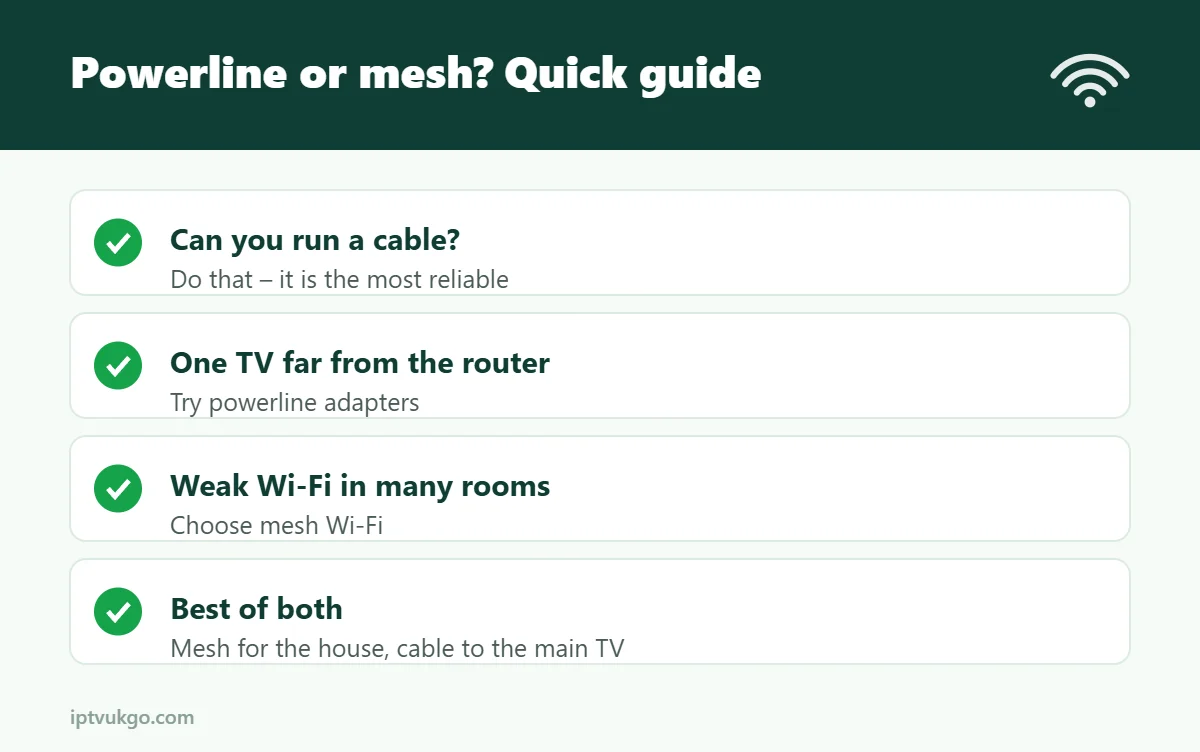
- Can you run an Ethernet cable? Do that – it is the most reliable option. See Ethernet vs Wi-Fi for IPTV.
- One TV far from the router? Try powerline first.
- Poor Wi-Fi in lots of rooms? Choose mesh, and connect the main TV to a mesh unit by cable.
- Fire TV Stick with no Ethernet port? Use Amazon’s Ethernet adapter with powerline or a mesh unit.
Frequently asked questions
Do powerline adapters work in old houses?
Often yes, but older or complex wiring can reduce speeds. Test them, and keep your receipt.
Is mesh Wi-Fi good enough for 4K?
Usually, if the mesh units are placed sensibly and the TV is close to one. A wired connection to the nearest unit is even better.
Will either fix evening buffering?
They fix problems inside your home. If your broadband itself slows at peak times, see IPTV buffering at night.