
Quick answer
Do you need a VPN for IPTV?
No. A legitimate IPTV service works without a VPN. A VPN can be useful for privacy on public Wi-Fi, and occasionally helps if your broadband provider slows video traffic, but it often makes streaming slower and does not make an unlicensed service legal. For smooth streaming, a wired connection, a good router setup and the right app settings make a much bigger difference.
You will see plenty of websites telling you that a VPN is essential for IPTV. In reality, most UK viewers do not need one, and many find their picture gets worse with it switched on. This guide explains what a VPN actually does, when it might help, and ten ways to get a smooth picture without one.
What a VPN does – and does not do
A VPN (virtual private network) sends your internet traffic through an encrypted tunnel to a server run by the VPN company. That has some real benefits:
- It hides what you are doing from other people on the same network, such as public Wi-Fi in a café or hotel.
- It hides the websites you visit from your broadband provider.
But it also has downsides:
- It adds an extra stop, which can reduce speed and increase delay – not ideal for live TV.
- It costs money for a good-quality service; free VPNs are often slow and may sell your data.
- It does not make content legal. If a service is not licensed, hiding your connection does not change that. See is IPTV legal in the UK?
When a VPN might help
- On public Wi-Fi, for general privacy.
- If your broadband provider slows video traffic at certain times. This is less common than people think. If you suspect it, run a speed test with and without a VPN in the evening and compare.
If the picture is no better with a VPN, switch it off – the extra stop is only slowing you down.
10 tips for smooth streaming without a VPN
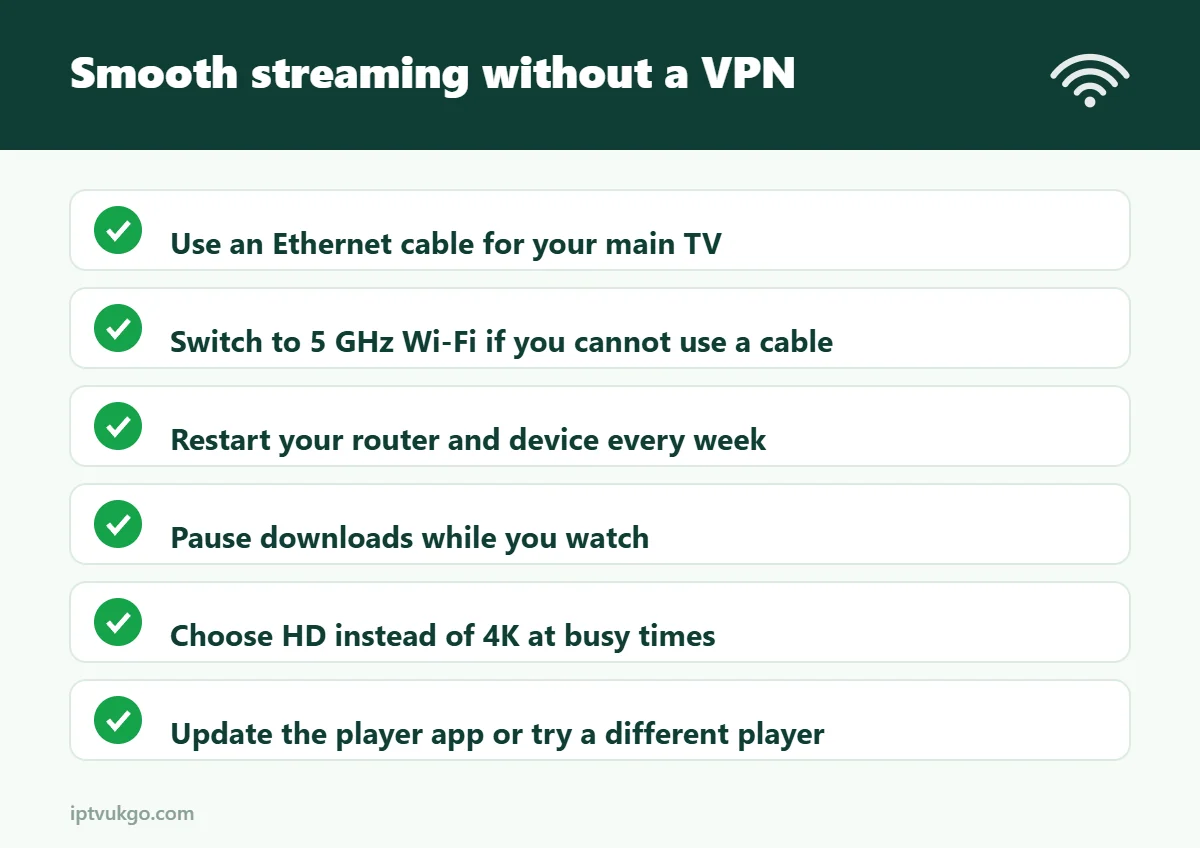
- Use an Ethernet cable for your main TV. It is the single biggest improvement for most homes. See Ethernet vs Wi-Fi.
- Use 5 GHz Wi-Fi if a cable is not possible, and keep the router out of cupboards.
- Restart your router weekly and before big live events.
- Check your speed on the TV itself, in the evening. You need about 15 Mbps per HD screen. See our internet speed guide.
- Pause downloads and console updates while you watch.
- Keep your streaming device healthy – free up storage, close background apps and restart it once a week.
- Update your player app and try a different player or stream format in its settings if channels stutter.
- Choose HD instead of 4K at busy times if your connection is borderline.
- Try a different DNS in your router or device, such as your broadband provider’s default or a well-known public DNS. It can speed up how quickly channels start.
- Contact support with your device, app and the time problems happen – the cause is often easy to spot.
If evening buffering is your main problem, read IPTV buffering at night.
VPN or no VPN: quick comparison
| Without a VPN | With a VPN | |
|---|---|---|
| Speed | Full speed of your connection | Often slower |
| Delay on live TV | Lowest | Higher |
| Privacy on public Wi-Fi | Lower | Higher |
| Cost | Free | Monthly fee for a good one |
| Makes unlicensed content legal | No | No |
Frequently asked questions
Is a VPN required for IPTV in the UK?
No. A legitimate service works perfectly without one.
Will a VPN stop buffering?
Usually not. It only helps if your broadband provider is slowing video traffic. In most cases, buffering is caused by Wi-Fi, peak-time congestion or the device.
Can I use a free VPN for IPTV?
It is not recommended. Free VPNs are often slow, limit data and may collect and sell your information.